
I have adapted the method of entry and labels in order to organize and categorize electronic mail more efficiently.
How to do it
You will be able to access my email and you will be able to enter the configuration section.
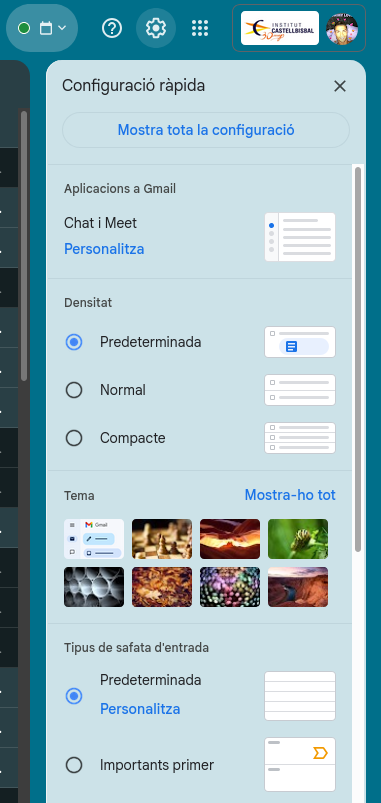
From that point, I chose the “Labels” option and then “Create a label”.
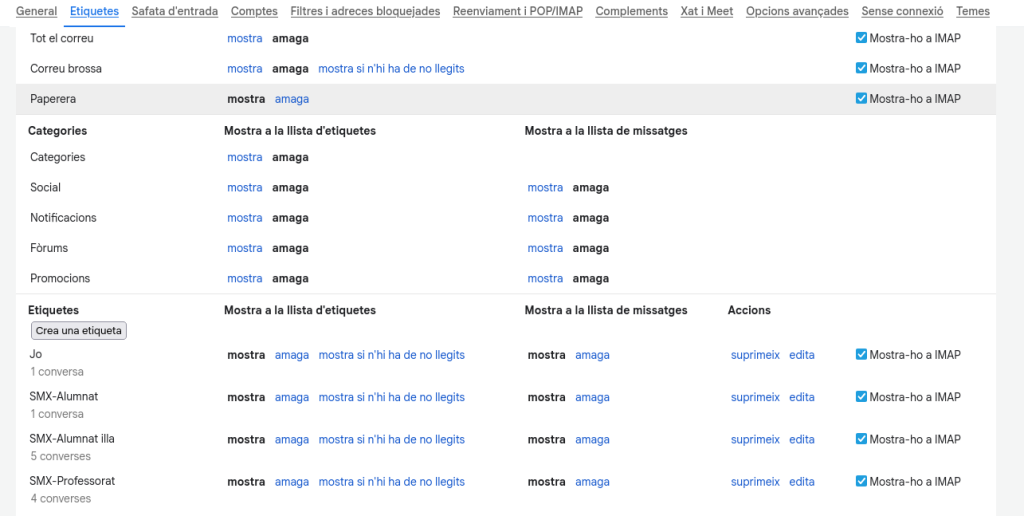
Then, I assigned these labels to the emails I already had or created automatic filters so that, when new messages were received, they would be automatically classified. For example, one for the teachers, another for all the students in the class, and one for my classmates.